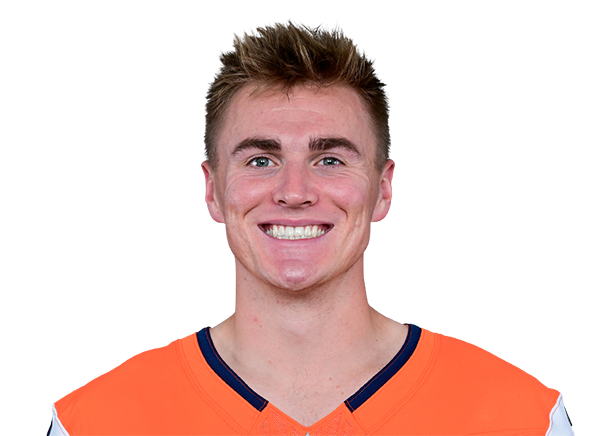
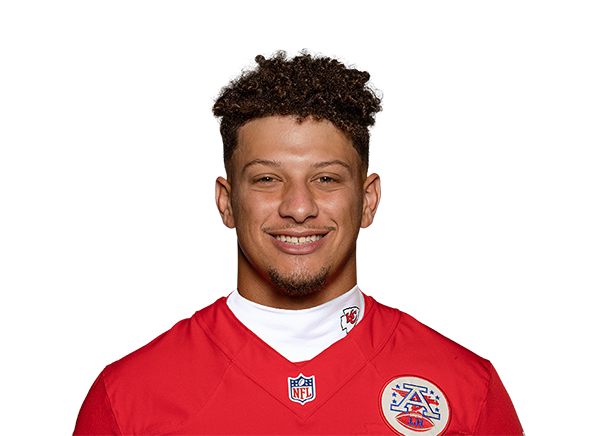
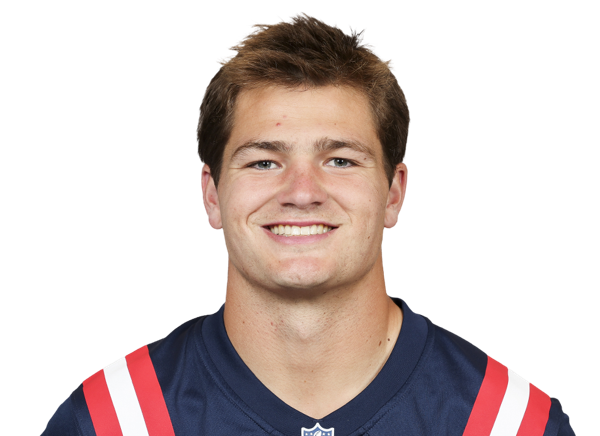
MUI X Data Grid: a 2024 AFC quarterback leaderboard with ESPN headshots, by net EPA per play





import { DataGrid } from "@mui/x-data-grid";
import { STANDINGS, type Standing } from "@sportsdataverse/examples/data";
import { defineTable } from "@sportsdataverse/sdvtables";
import { fontsLinkFor, prepare } from "@sportsdataverse/sdvtables/html";
import { dataGridProps } from "@sportsdataverse/sdvtables/mui";
import { useEffect } from "react";

// each team's most frequent 2024 starter, by ESPN athlete id; New England's net EPA is blanked in the sample data
const spec = defineTable<Standing>()
  .columns((c) => [
    c.headshot("qb_espn_id", { league: "nfl", label: "", height: 44, sortable: false, width: "72px" }),
    c.text("qb", { label: "Quarterback", width: "170px" }),
    // the team's abbreviation, edged in its colour
    c.teamColorBar("team", { league: "nfl", label: "Team", barWidth: 5 }),
    c.int("wins", { label: "Team wins" }),
    c.num("net_epa", { label: "Net EPA/play", digits: 3, forceSign: true, width: "130px" }),
  ])
  .theme("booktabs")
  .rowKey("qb_espn_id")
  .build();
await prepare(spec);
const props = dataGridProps(spec, STANDINGS);

function Leaderboard() {
  useEffect(() => document.head.insertAdjacentHTML("beforeend", fontsLinkFor(spec)), []);
  return (
    <div style={{ width: "100%", maxWidth: 680 }}>
      <DataGrid
        rows={STANDINGS}
        {...props}
        autoHeight
        hideFooter
        disableRowSelectionOnClick
        initialState={{ sorting: { sortModel: [{ field: "net_epa", sort: "desc" }] } }}
      />
    </div>
  );
}
<Leaderboard />;
Tags: react · table · mui-x-data-grid · dataGridProps · headshot · teamColorBar · booktabs · nfl. All sdvtables examples.